What it does
PicCollage brings photos together into designed collages, cards and social posts, with video available for projects that need more than still images. It suits anyone who wants to arrange a handful of pictures into something shareable without starting from a blank page: a birthday card, a trip recap or a quick post for friends.
Making a collage
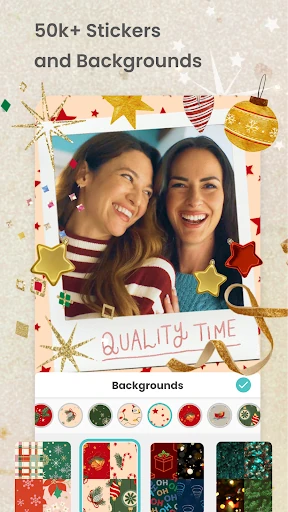
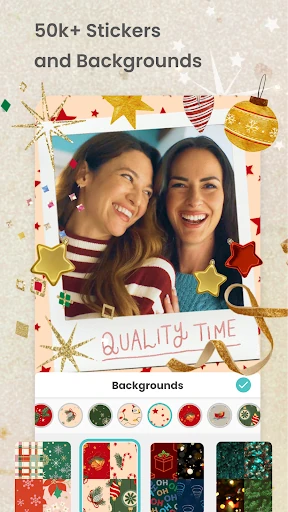
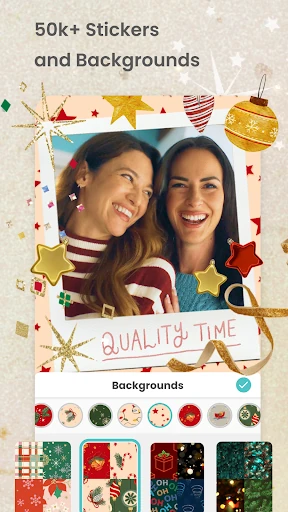
You can start with a template or build a layout yourself, then add photos, text, stickers and backgrounds. The emphasis is on visual arrangement rather than detailed photo correction. That makes PicCollage a practical choice for casual projects, though people looking for precise control over colour, lighting or other image adjustments may want a dedicated photo editor alongside it.
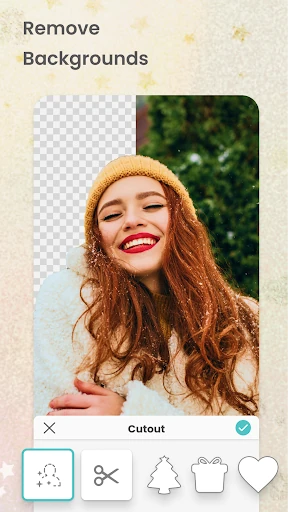
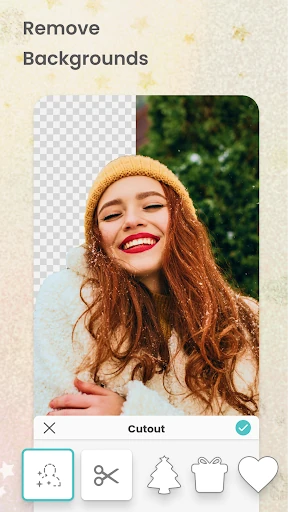
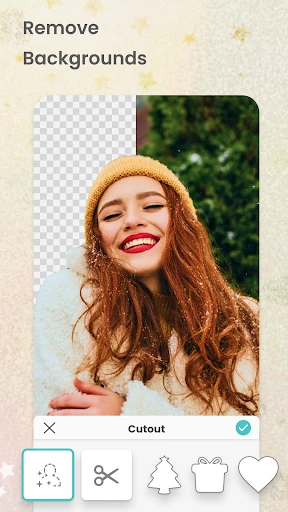
Some tools use AI to help cut a subject out of its background or extend an image. They can save effort when a picture needs adapting to a design, while the templates give less experienced users a starting point. There are plenty of decorative options, so a simple collage can also turn into a more embellished one.
In everyday use
PicCollage is made for short creative sessions: choose a few images, try a layout, and adjust it until it feels ready to share. Mixing video with photos is useful for a recap that would otherwise need separate pieces, but the app’s broad selection of designs and decorations may take some browsing when you have a specific look in mind. The free version may add a watermark, which matters if you need a clean finished image.
Reach and rating
PicCollage: Photo Video Editor is published by Cardinal Blue Software, Inc. It has a 4.7-star rating from about 1.82 million reviews and 100 million-plus installs. Those numbers suggest it has become a familiar option for people who make collages regularly, as well as those who only need one for an occasional card or post.